
If you run a WordPress website, you have likely faced this issue at some point. Emails stop sending. Contact form submissions disappear. WooCommerce order notifications never reach customers.
In most cases, the problem is simple. WordPress relies on the default PHP mail function, which is not reliable for modern email delivery.
That is why many site owners look for WordPress SMTP plugins. These tools help route your emails through trusted email servers like Gmail, SendGrid, or Amazon SES.
In this guide, we will compare the best WordPress SMTP plugins, review their real capabilities, and help you decide which one fits your needs. We will also explore whether SMTP plugins are enough for growing websites.
Why WordPress Emails Fail to Send Properly
By default, WordPress uses the PHP mail function to send emails.
This method lacks proper authentication, which is required by modern email providers. As a result:
- Emails often go to spam folders
- Some hosting providers block outgoing mail
- Delivery becomes inconsistent
According to Gmail sender guidelines, authenticated email methods are required to ensure reliable delivery and avoid spam filtering.
This is where SMTP becomes important.
What Is a WordPress SMTP Plugin and How It Helps
A WordPress SMTP plugin connects your website to an external email server using SMTP.
Instead of relying on PHP mail, it sends emails through trusted services like:
- Gmail SMTP
- SendGrid
- Mailgun
- Amazon SES
This improves email deliverability by adding authentication and proper routing.
In simple terms:
- PHP mail = unreliable sending
- SMTP = verified and trusted sending
Most SMTP plugins also include features like:
- Email logging
- Error tracking
- Provider integrations
Best WordPress SMTP Plugins (Compared)
Choosing the right SMTP plugin is not just about fixing email delivery. It also affects how reliably your site communicates with users and customers.
Some plugins focus on simplicity, while others offer advanced logging, routing, and monitoring features.
Below is a carefully selected list based on real-world usage, active installations, and feature depth.
WP Mail SMTP

WP Mail SMTP is widely considered the default choice for WordPress users who want a reliable and guided SMTP setup.
In real-world usage, it is often the first plugin beginners install because of its step-by-step configuration wizard and strong documentation. It supports a wide range of providers, which makes it flexible for different hosting environments.
According to WordPress.org, it has over 5 million active installations.
However, many users eventually notice that some essential features like advanced logging and email tracking are only available in the paid version.
It also focuses primarily on email delivery. Additional tools are often needed if you want deeper insights or automation.
Key Features
- Setup wizard for beginners
- Integration with Gmail, SendGrid, Mailgun, Amazon SES
- Email logging and tracking (Pro version)
- Backup connections
Pros
- Very beginner-friendly
- Strong documentation and support
- Reliable integrations
Cons
- Advanced features require paid plan
- Can feel heavy for simple setups
Best For
Beginners and small businesses
FluentSMTP
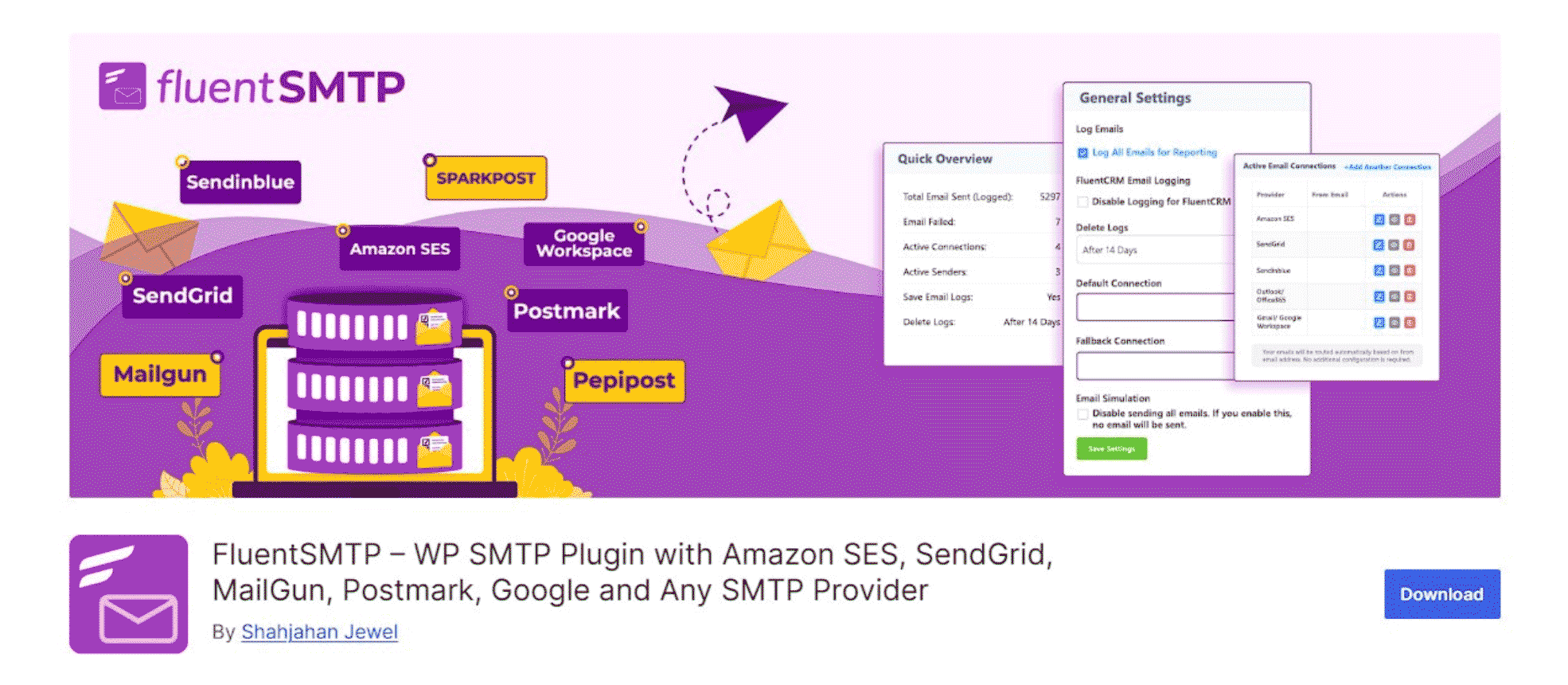
FluentSMTP is a powerful free SMTP plugin designed for users who want advanced features without premium restrictions.
It allows multiple SMTP connections and smart routing, which makes it highly flexible. It works well with providers like Amazon SES and Gmail.
It has over 500,000 active installations.
However, its interface can feel slightly technical for beginners.
While it improves flexibility in sending emails, it still operates as a standalone delivery tool rather than a complete email system.
Key Features
- Multiple SMTP connections
- Email logging
- Integration with major providers
- Fully free and open-source
Pros
- No paid version
- Lightweight
- Advanced routing
Cons
- Limited support
- Slight learning curve
Best For
Developers and advanced users
Post SMTP Mailer

Post SMTP is known for its reliability and detailed logging system.
It is often used in more advanced setups where email delivery needs to be monitored closely. It provides alerts and fallback routing.
It has over 400,000 active installations.
Even with strong monitoring features, it remains focused on delivery rather than broader email engagement or analytics.
Key Features
- Detailed email logs
- Fallback SMTP routing
- Alerts and notifications
- OAuth authentication
Pros
- Strong debugging tools
- Reliable delivery tracking
- Flexible configuration
Cons
- Complex interface
- Not beginner-friendly
Best For
Advanced setups and reliability-focused users
Easy WP SMTP

Easy WP SMTP is designed for users who want a simple and direct solution.
It focuses only on connecting WordPress to an SMTP server. There are no advanced features or complex settings.
It has over 500,000 active installations.
Its simplicity is useful for small websites, but it lacks deeper insights and monitoring tools.
Key Features
- Simple setup
- Works with any SMTP server
- Lightweight
Pros
- Easy to use
- Minimal configuration
- Fast setup
Cons
- No email logging
- Limited features
Best For
Small websites and beginners
Gmail SMTP Plugin

This plugin is designed specifically for Gmail and Google Workspace users.
It uses OAuth authentication, which improves security by avoiding password-based login.
It has over 10,000 active installations.
However, it is limited to Gmail and lacks advanced features.
Key Features
- Gmail integration
- OAuth authentication
- Secure connection
Pros
- Secure
- Easy for Gmail users
- No password storage
Cons
- Limited to Gmail
- No advanced features
Best For
Small websites using Gmail
Quick Comparison of the Best SMTP Plugins
| Plugin | Free Version | Email Logging | Providers | Best For |
| WP Mail SMTP | Yes | Partial | Multiple | Beginners |
| FluentSMTP | Yes | Yes | Multiple | Advanced users |
| Post SMTP | Yes | Yes | Multiple | Reliability |
| Easy WP SMTP | Yes | No | Any | Simple use |
| Gmail SMTP | Yes | No | Gmail only | Small sites |
What to Look for in a WordPress SMTP Plugin
When choosing an SMTP plugin, consider:
- Ease of setup
- Supported providers
- Email logging
- Reliability
- Support and updates
Are SMTP Plugins Enough for WordPress Websites
SMTP plugins solve the delivery problem. They help emails reach inboxes.
But they do not provide:
- Automation
- Customer tracking
- Campaign insights
You can send emails, but you cannot understand what happens after they are delivered.
For growing websites, this becomes a limitation.
A Smarter Alternative to SMTP Plugins
Some modern solutions take a different approach.
Instead of using separate plugins and external SMTP services, they combine email delivery, automation, and analytics inside WordPress.
Built-in Email Infrastructure Without External SMTP
Some platforms include built-in email infrastructure.
For example, NextCRM includes a mailbox system that removes the need for external SMTP providers.
This simplifies setup and reduces dependency.
Email Automation and Customer Engagement
SMTP plugins focus only on sending emails.
They do not support:
- Automated workflows
- User segmentation
- Follow-up sequences
With systems like NextCRM, you can automate customer communication directly inside WordPress.
Tracking Performance and Email Insights
SMTP plugins do not provide detailed insights.
You cannot track:
- Engagement
- Conversions
- Performance
NextCRM adds analytics, helping you understand what works.
SMTP Plugins vs All-in-One Email Systems
| Feature | SMTP Plugins | NextCRM |
| Email delivery | Yes | Yes |
| Automation | No | Yes |
| Analytics | No | Yes |
| Customer data | No | Yes |
| External dependency | Yes | No |
How to Fix WordPress Email Issues (Quick Steps)
- Install an SMTP plugin
- Connect to an email provider
- Configure authentication
- Test email delivery
Alternatively, use a system that combines delivery and automation in one place.
Frequently Asked Questions
What is the best SMTP plugin for WordPress
WP Mail SMTP is the most popular option. FluentSMTP is a strong free alternative.
Why is WordPress not sending emails
Because it uses PHP mail, which lacks authentication.
Is WP Mail SMTP free
Yes, but advanced features require payment.
How to set up SMTP in WordPress
Install a plugin, connect a provider, and configure settings.
Do SMTP plugins improve deliverability
Yes, but they do not provide automation or analytics.
Conclusion
WordPress SMTP plugins are a reliable way to fix email delivery issues. They help ensure your emails reach inboxes instead of getting lost or marked as spam.
For many websites, that is the first and necessary step.
However, sending emails is only part of the bigger picture.
As your site grows, you may start needing more than just delivery. You may want to understand how users interact with your emails, automate follow-ups, or track what actually drives engagement and results.
This is where traditional SMTP plugins start to feel limited.
Some website owners continue adding more tools to fill these gaps. Others prefer a more integrated approach that combines delivery, automation, and insights in one place.
If your goal is simply to fix email issues, a good SMTP plugin will do the job.
But if your goal is to build a smarter communication system inside WordPress, it may be worth exploring solutions that go beyond basic email sending.